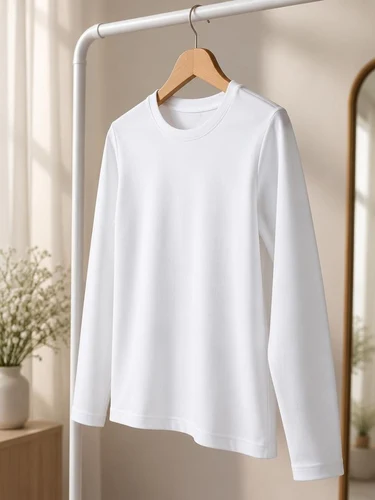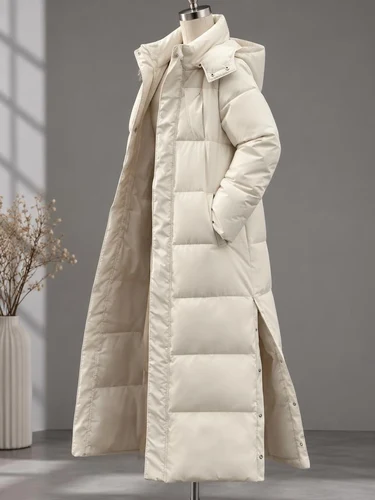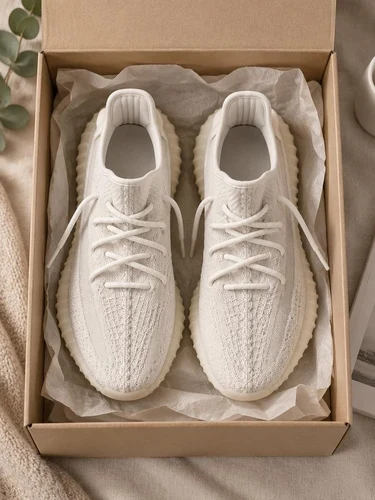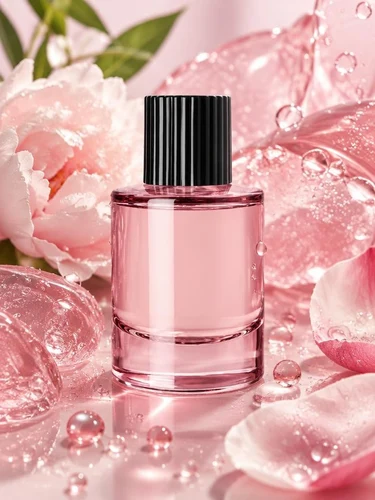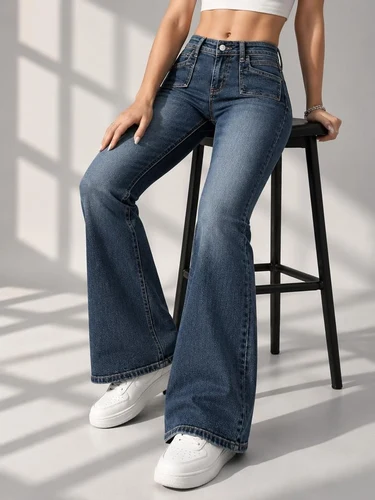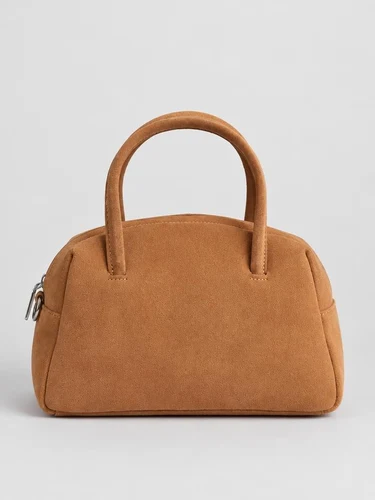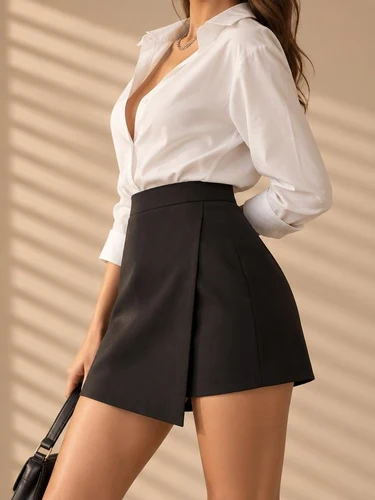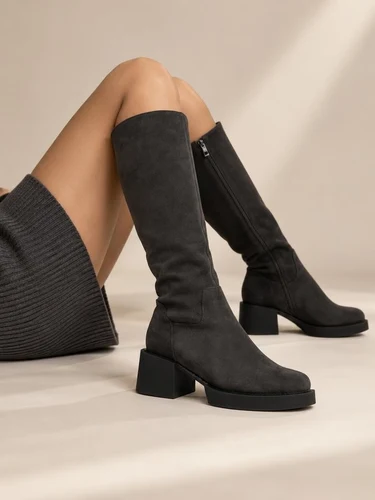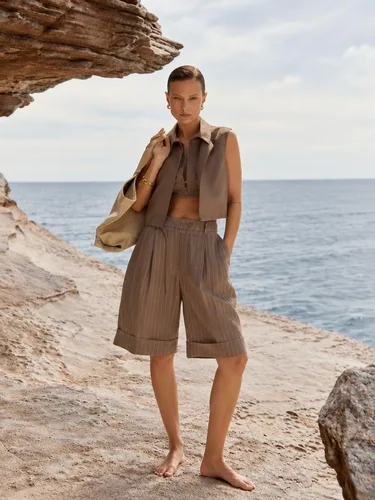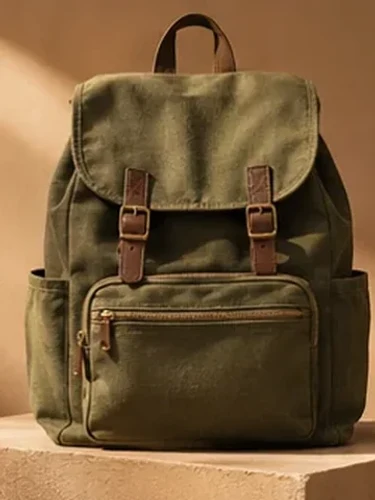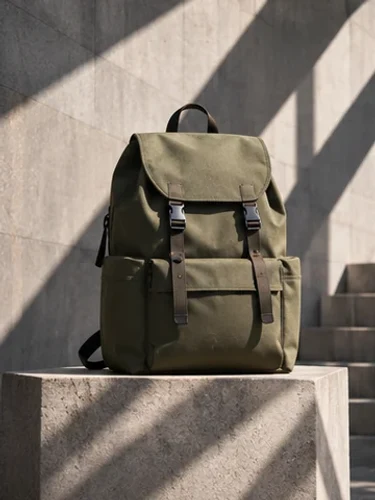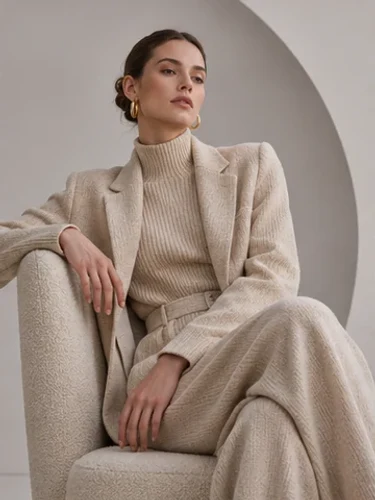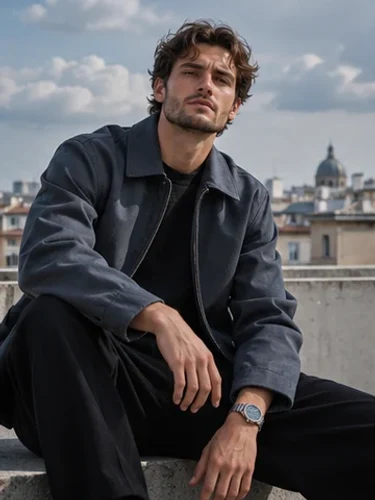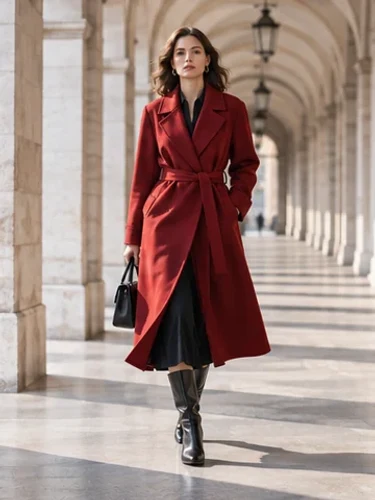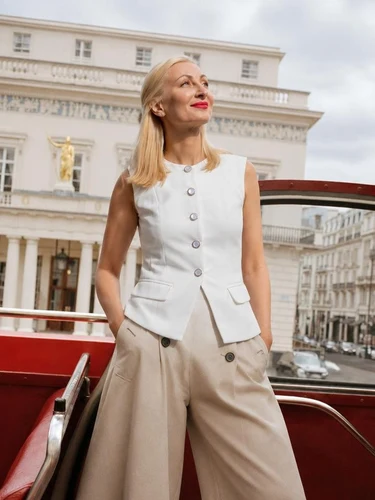
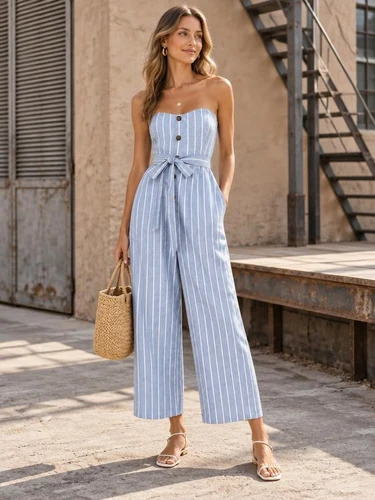
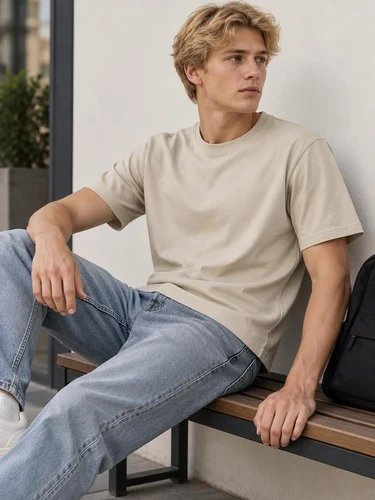
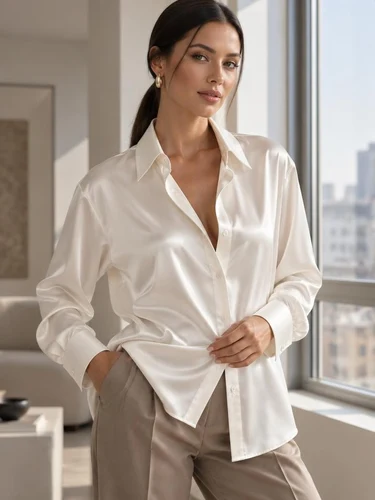
On a model
Clothing and footwear on a model in a natural setting, with an emphasis on fit, silhouette and Pinterest style.
Try itA new kind of AI photo studio
Upload a simple photo. Photo505 can create studio imagery, product cards, and fresh visuals for your store.
Upload a photo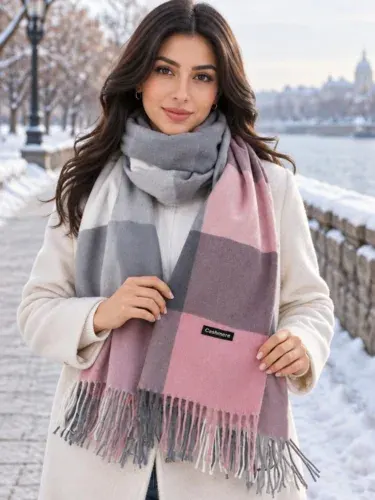
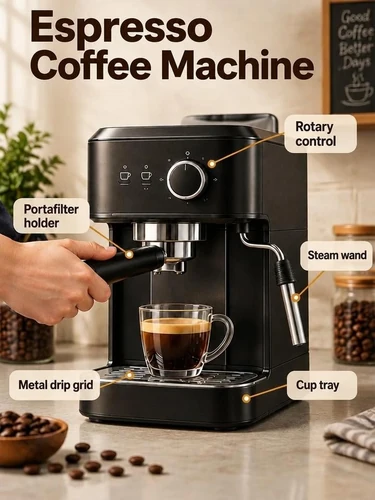
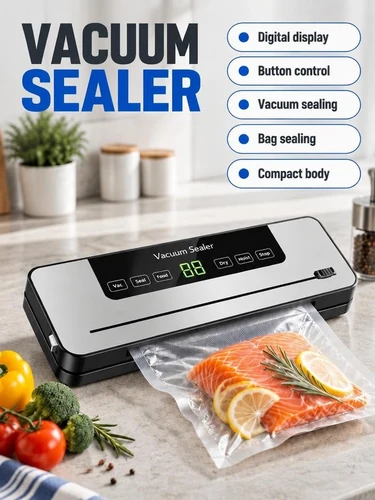
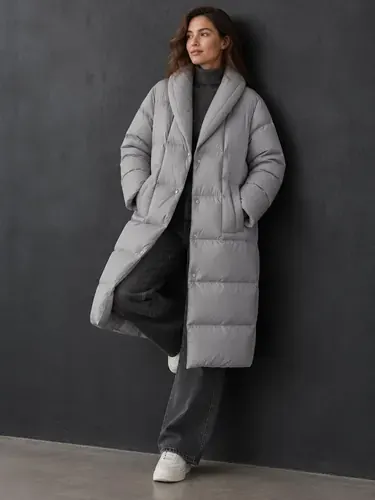
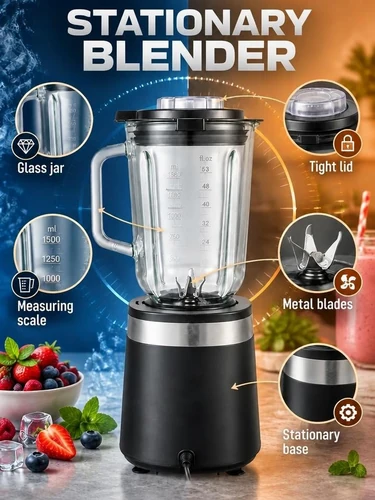
7 design modes, including marketing layouts, marketplace trends and graphic design
Try it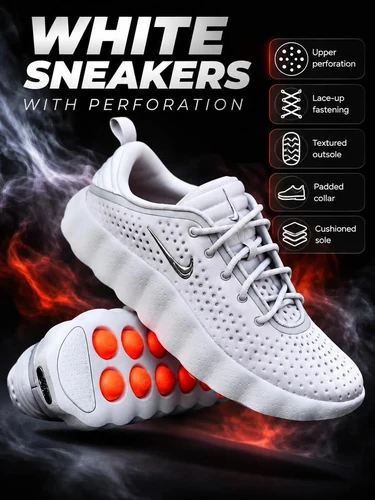


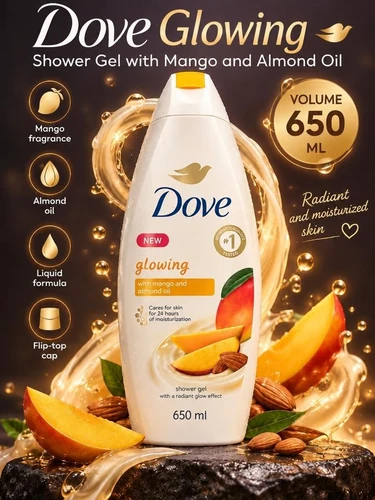
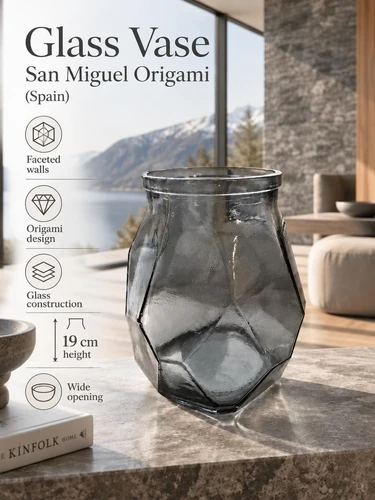


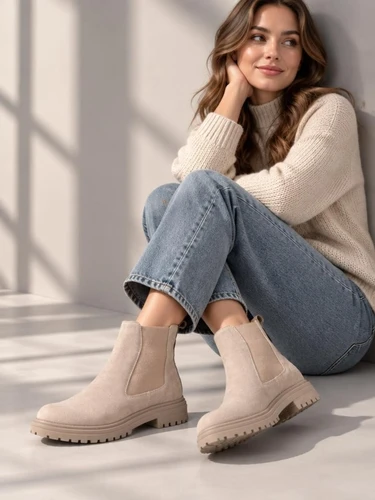
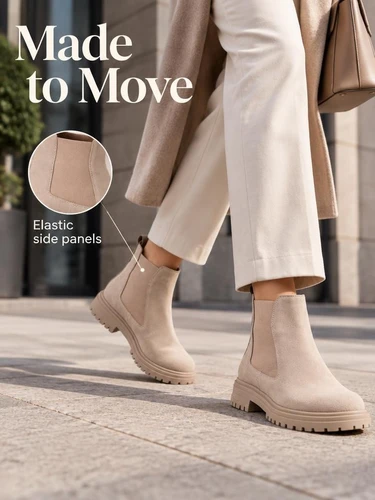
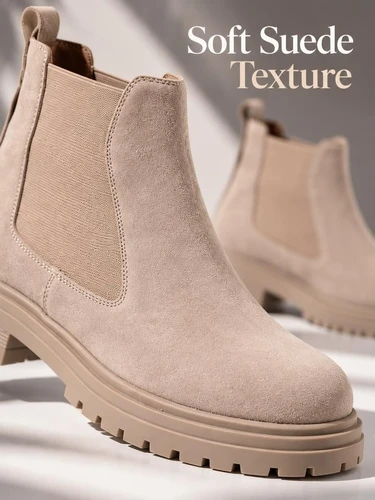
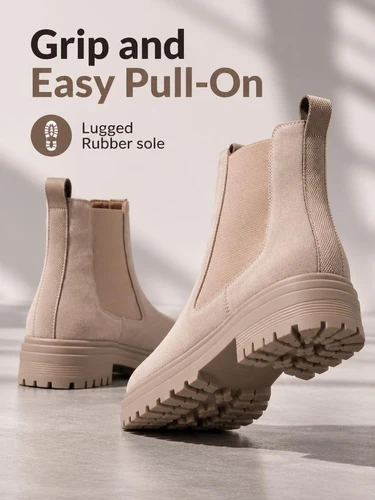
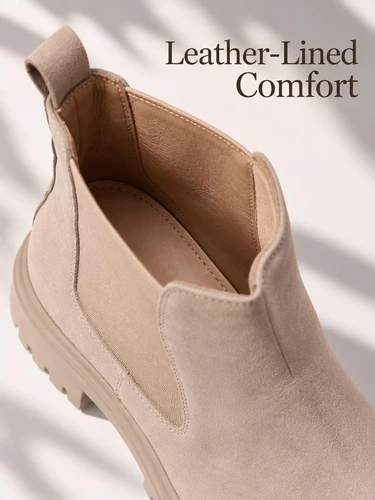
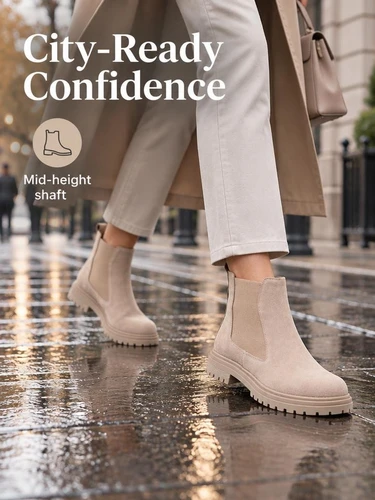
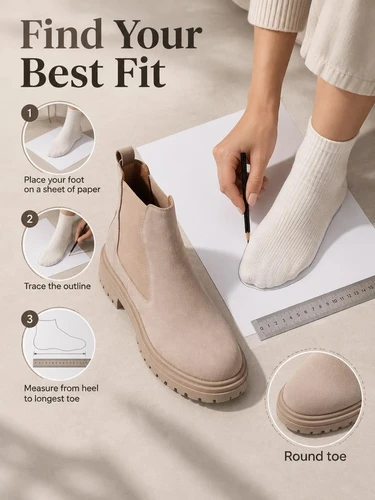
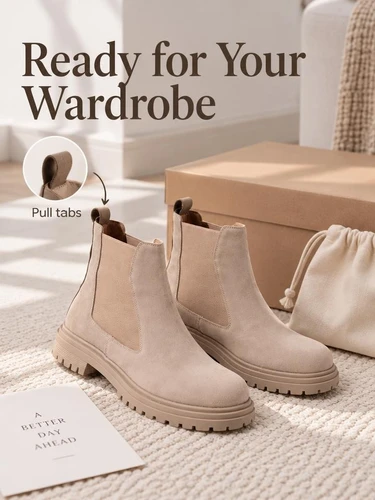
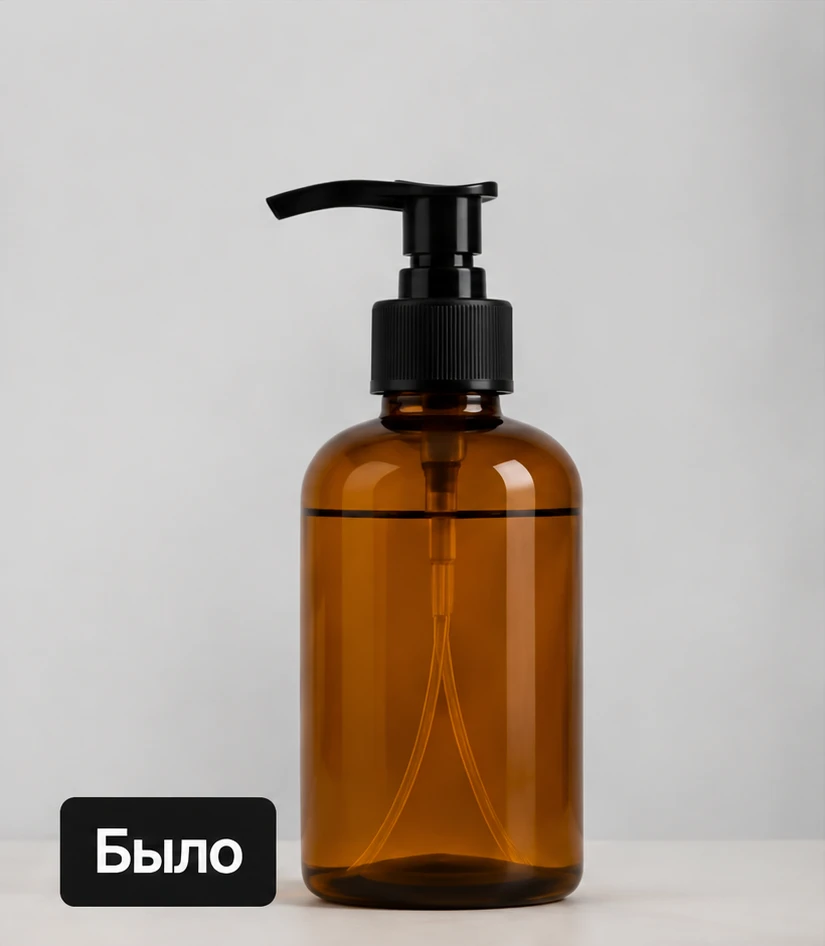
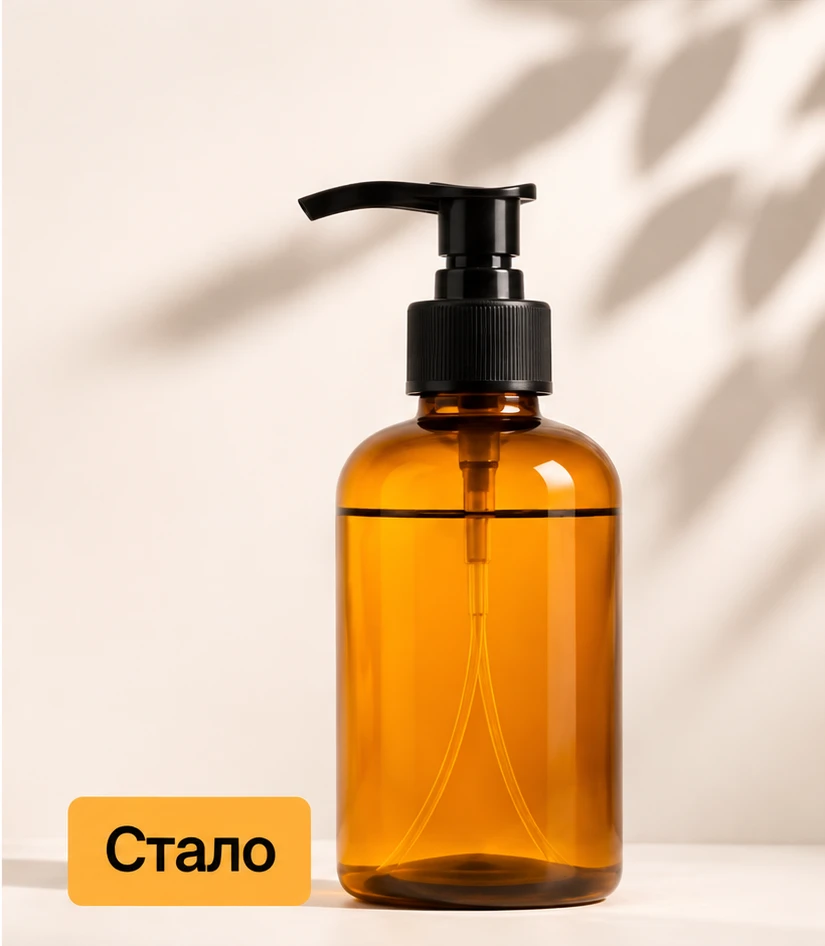
Refresh the scene while keeping the product in focus.

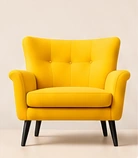
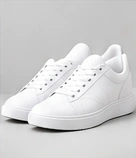
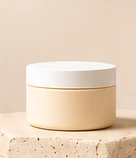
A phone photo works well when the entire product is in frame and its details are clearly visible.
In Studio Photo mode, you can use your original photo and the selected settings. Add scene preferences if you have any.
Create a studio look from your own product photo.
Build a clear, distinctive look for your shop or marketplace.
Show an item in a new look and setting.
A phone photo works well when the entire product is in frame and its details are clearly visible.
In modes that support references, attach one to indicate the lighting, background or composition you want.
Create your first photo and find a look that fits your product.
Photo505 now uses AI to create new scenes with your photos.
Compare the result with your original, especially text and facial details.
Start with a finished cover and create eight slides in a shared style.
Upload a clear garment photo or use a reference for pose and lighting.
Choose a mode and add a source photo. Describe custom scenes in the creative editor.
Choose a sharp frame with the whole product visible and room for movement.
Use 3:4 for listings. Other ratios and 2K are available in selected modes.
Sign in to see your balance and generation cost. Review the terms before using images commercially.