Photo505 AI Product Photography Studio
AI Product Photography Studio
Choose a background and setting while keeping the product in focus.
Open in Photo StudioExamples
How it works
- Add your source
- Choose settings
- Review the result
What you can do
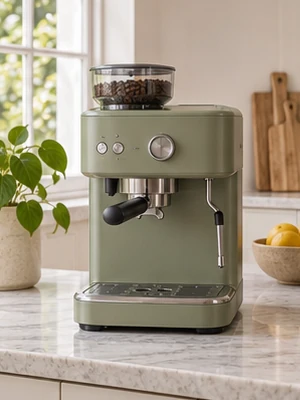
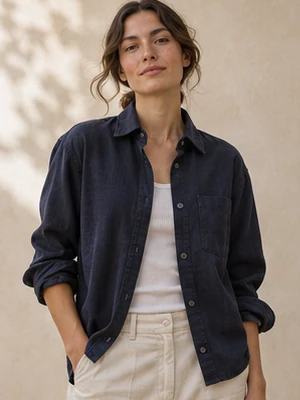
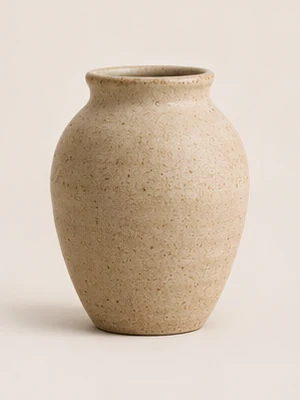
- Interiors, on-model shots, details and clean backgrounds
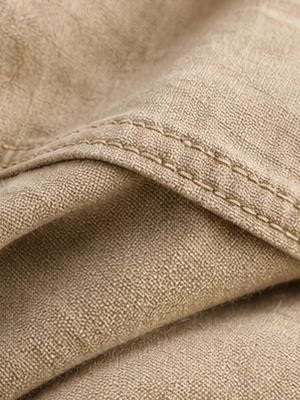
- Highlight product shape, texture and labels
- Add up to 10 additional views
- 3:4, 1:1, 4:3 and 16:9 formats at up to 2K
Frequently asked questions
How do I get started?
Add your source. Choose settings.
What can I create in this mode?
Create lifestyle, on-model or clean-background product photos and close-ups.
What should I check before downloading?
Review the important details and lettering.